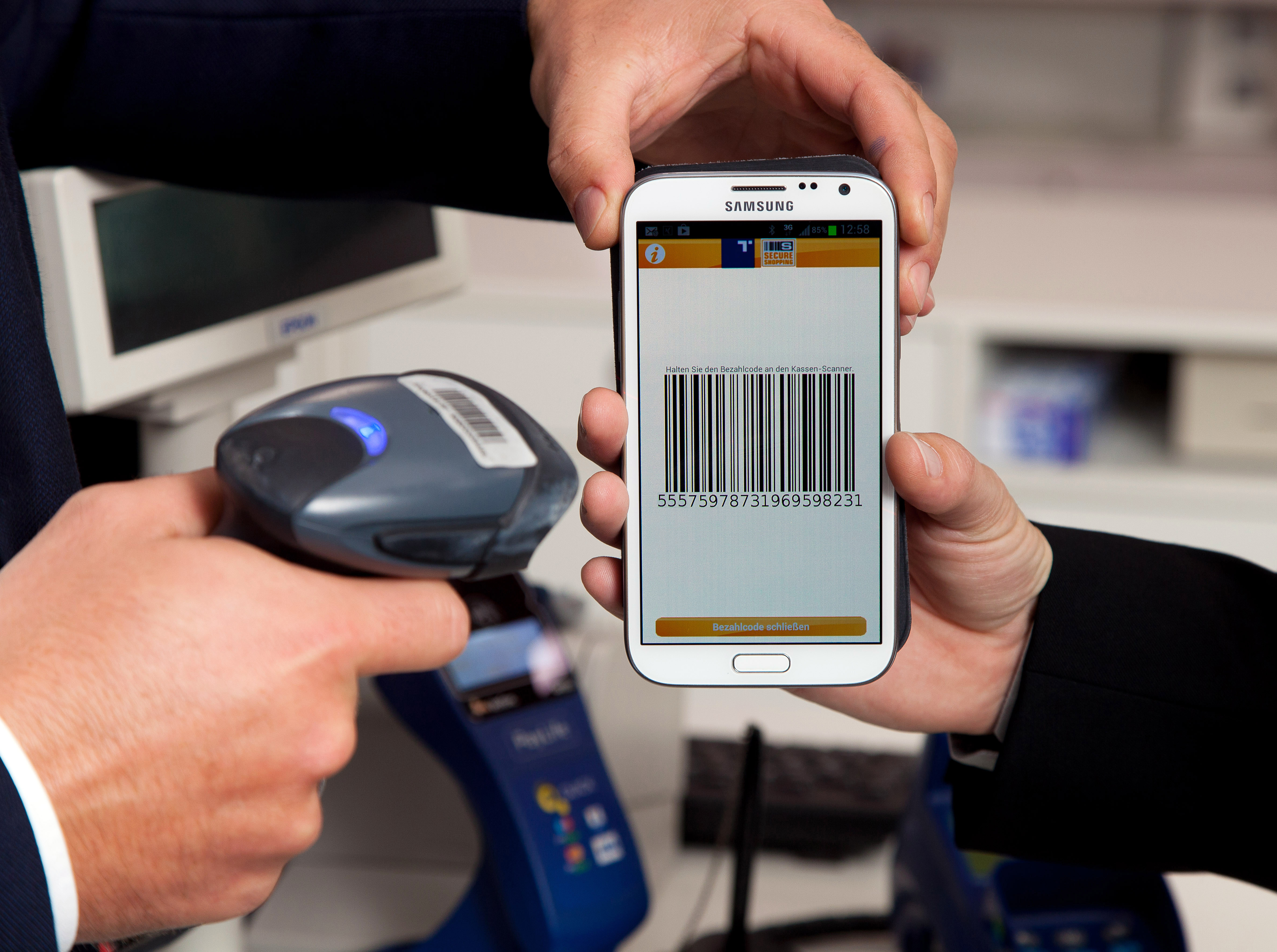
A smartphone showing a payment code at a checkout. Image: Richard Tanzer Fotografie / Wikimedia Commons, CC BY-SA 3.0.
An expense tracker records every purchase you make, then shows where your money actually went each week or month.
That is different from a budget app, which plans what you should spend, while a tracker starts with the money already gone.
Key Highlights of the Best Free Expense Tracker Apps
Best overall free tracker: Money Manager logs every expense by hand, shows clear reports, and keeps its core features free with ads.
Best for shared expenses: Spendee lets couples and housemates watch one shared wallet, although bank syncing and extra wallets need a paid plan.
Best simple tracker: Monefy logs an expense in about two seconds, since you tap a category, type the amount, and move on.
Best for bank syncing: Wallet connects to thousands of banks in supported countries and pulls transactions in automatically for review.
Best for receipt scanning: Money Lover and Toshl let you photograph receipts, although the most useful scanning features sit in their paid tiers.
Best for staying free forever: Money Manager, Monefy, and Toshl all track spending usefully without payment, so start there before subscribing anywhere.
Money Manager: Best Overall Free Expense Tracker
Money Manager Expense & Budget is a manual ledger from Realbyte, a South Korean developer, and it has served phone users since 2012.
You type in every expense and income yourself, and the app sorts each entry into accounts, categories, and a monthly calendar view.
Its double-entry bookkeeping treats every transfer as money leaving one account and arriving in another, which keeps balances honest over time.
Reports show daily, weekly, and monthly spending by category, so you can spot the habit that quietly eats most of your money.
Free vs paid: the core app is free with ads, and a one-time purchase of about $5.99 removes ads and lifts the account limit.
Cloud syncing between devices costs extra, at about $2.49 a month or $19.99 a year, although most single-phone users never need it.
Spendee: Best for Shared Expenses
Spendee is a visual expense tracker from the Czech Republic, and its clean charts make spending patterns easy to understand at a glance.
The free Basic plan gives you one cash wallet and one budget, with manual entry and charts for the day, week, and month.
Shared wallets are the reason many people choose Spendee, because couples and housemates can log costs into the same wallet together.
You can also photograph receipts and set budgets per category, although several of these extras only unlock after you pay for a plan.
Free vs paid: the free tier is genuinely usable for one person, while Plus costs about $14.99 a year and Premium about $35.99.
Bank syncing sits on the Premium tier, so treat the free plan as a manual tracker and upgrade only if automatic imports matter to you.
Monefy: Best Simple Tracker
Monefy is the fastest expense tracker in this list, and logging a purchase takes about two seconds from opening the app.
You tap a category icon on a ring chart, type the amount, and the pie chart updates at once to show where money went.
Monefy never connects to your bank, which suits people who want privacy, and it stores your data locally on your own phone.
Syncing works through your own Google Drive or Dropbox account, so a couple on different phones can still share one spending log.
Free vs paid: the core app is free with ads, while Premium adds unlimited accounts, recurring transactions, and advanced filters.
The Premium price is not published on the website and varies by region, so check the App Store or Google Play listing before paying.
Wallet: Best for Bank Syncing
Wallet by BudgetBakers is the most feature-rich free tracker here, with multiple accounts, budgets, and detailed reports on Android and iPhone.
It can connect to thousands of banks in supported countries, then import transactions automatically so you only review and categorize them.
Bank syncing depends on your country and bank, so check the supported list first, because coverage varies widely outside Europe and the United States.
Wallet also handles several currencies, shared accounts, loyalty cards, and shopping lists, which makes it useful for households and frequent travelers.
Free vs paid: the free tier covers multi-account tracking, budgets, and reports with ads, while Premium costs roughly $5 to $7 a month.
Premium adds automatic bank syncing, unlimited accounts, and extra reports, so manual trackers can stay free and upgrade only when syncing matters.
Money Lover: Best for Receipt Scanning
Money Lover is a long-running tracker from Vietnam, and its Google Play page notes that it won a Best Android App award in 2017.
It tracks spending, income, bills, debts, and savings in one place, with reminders that warn you before a regular payment falls due.
You can photograph receipts and attach them to entries, which helps at tax time and when you need proof of a purchase later.
The app supports many currencies and a fingerprint lock, so it suits travelers and anyone who wants their money log kept private.
Free vs paid: the core tracker is free with ads, while Premium is a one-time payment that adds multiple wallets and per-category budgets.
Linking a bank account is a separate paid subscription in supported countries, so most users should treat Money Lover as a manual tracker.
Toshl Finance: Best for Multi-Currency Tracking
Toshl Finance helps more than three million people track personal finances, and it runs on Android, iPhone, and the web.
Its clean design shows income, expenses, and budgets on one screen, with fun extras like monsters that represent each spending category.
Toshl works in many currencies and handles travel well, since you can log spending abroad without converting every amount by hand.
You can set budgets, repeat regular expenses, and get bill reminders, although several of these tools need the paid Pro plan.
Free vs paid: the free plan covers two financial accounts and two budgets forever, while Pro costs $2.99 a month or $19.99 a year.
The Medici plan costs $4.99 a month or $39.99 a year, and it adds automatic bank imports plus everything included in Pro.
AndroMoney: Best for Detailed Reports
AndroMoney is a veteran tracker on Android and iPhone, with multiple accounts, budget alerts, and detailed charts for daily spending.
It supports cloud syncing through Dropbox and Google Drive, plus CSV export, so your records can move with you to a new phone.
You can track spending in several currencies, set budgets per category, and check trends that show whether a habit is growing or shrinking.
The interface looks older than newer rivals, yet long-time users praise its depth, and the core tracking tools all work without payment.
Free vs paid: the app is free with ads, and a one-time purchase of about $3.99 removes ads and unlocks the extra features.
Fudget: Best for a Simple Monthly List
Fudget is the simplest app in this list, and it shows one plain monthly list with income at the top and expenses underneath.
The balance at the bottom updates as you add lines, so you always see what is left before the month runs out.
There are no charts, bank links, or categories to learn, which makes Fudget ideal for people who find other finance apps overwhelming.
It works on iPhone and Android, and it suits a single monthly spending list far better than a detailed multi-account ledger.
Free vs paid: Fudget is free to download, while Fudget Plus costs $4.99 a month or $19.99 a year and adds syncing and unlimited entries.
Some users report that the free version now feels limited, so test it with a real month of spending before paying for Plus.
Free Expense Tracker Apps Compared
| App | Platforms | Free Tier | Best For |
|---|---|---|---|
| Money Manager | Android, iPhone | Core tracking free, with ads | Overall manual tracking |
| Spendee | Android, iPhone, web | One wallet, one budget | Shared expenses |
| Monefy | Android, iPhone | Core logging free, with ads | Fastest simple logging |
| Wallet | Android, iPhone, web | Multi-account, budgets, reports | Bank syncing |
| Money Lover | Android, iPhone, web | Core tracker free, with ads | Receipt scanning |
| Toshl Finance | Android, iPhone, web | Two accounts, two budgets | Multi-currency travel |
| AndroMoney | Android, iPhone | Core tracking free, with ads | Detailed reports |
| Fudget | Android, iPhone | Free monthly list | Simple monthly lists |
How to Build a Daily Expense Tracking Habit
Log it the moment you pay: open the app at the checkout and record the amount before the receipt leaves your hand.
Keep one daily reminder: set a single evening alarm, then spend two minutes adding any purchase you missed during the day.
Photograph every paper receipt: snap the receipt before it fades, and attach it to the entry so the amount stays easy to check.
Use few categories at first: start with food, transport, housing, fun, and other, then split categories only when a group grows too large.
Review your week every Sunday: open the charts once a week and look for one surprise, because awareness alone changes spending habits fast.
Pick speed over detail: a fast app you open daily beats a powerful one you abandon, so choose the tracker that feels easiest to use.
Frequently Asked Questions
What is the best free expense tracker app for Android and iPhone?
Money Manager is the best free tracker for most people, since its core logging, categories, and reports all work without payment.
Monefy suits people who want the fastest logging, while Wallet suits those who want bank syncing and detailed reports instead.
Are these expense tracker apps really free?
Yes, every app here offers a usable free tier, although most show ads or limit accounts, wallets, or syncing until you pay.
Check the free tier before you commit, since prices and limits change often, and a trial can turn into a paid plan automatically.
Which free expense tracker scans receipts?
Money Lover lets you photograph receipts and attach them to entries, while Toshl Pro saves receipt photos with each expense you log.
Spendee also offers receipt scanning, although its best scanning and sharing features sit behind the Plus and Premium plans.
Do free expense trackers sync with my bank?
Wallet and Spendee can import bank transactions, but both keep automatic syncing on paid tiers, so the free plans stay manual.
Money Manager and Monefy never connect to a bank at all, which some users prefer, since every entry stays typed by hand.
Can I export my expense data from these apps?
Most of these apps support CSV export, although some keep export behind a paid upgrade, so confirm it before logging months of spending.
Money Manager and AndroMoney both offer CSV export, and Monefy can back up through Google Drive or Dropbox for safekeeping.
What is the difference between an expense tracker and a budget app?
An expense tracker records what you already spent, while a budget app plans what you should spend before the month begins.
Tracking comes first for most people, because you cannot plan sensibly until you know where your money actually goes each month.