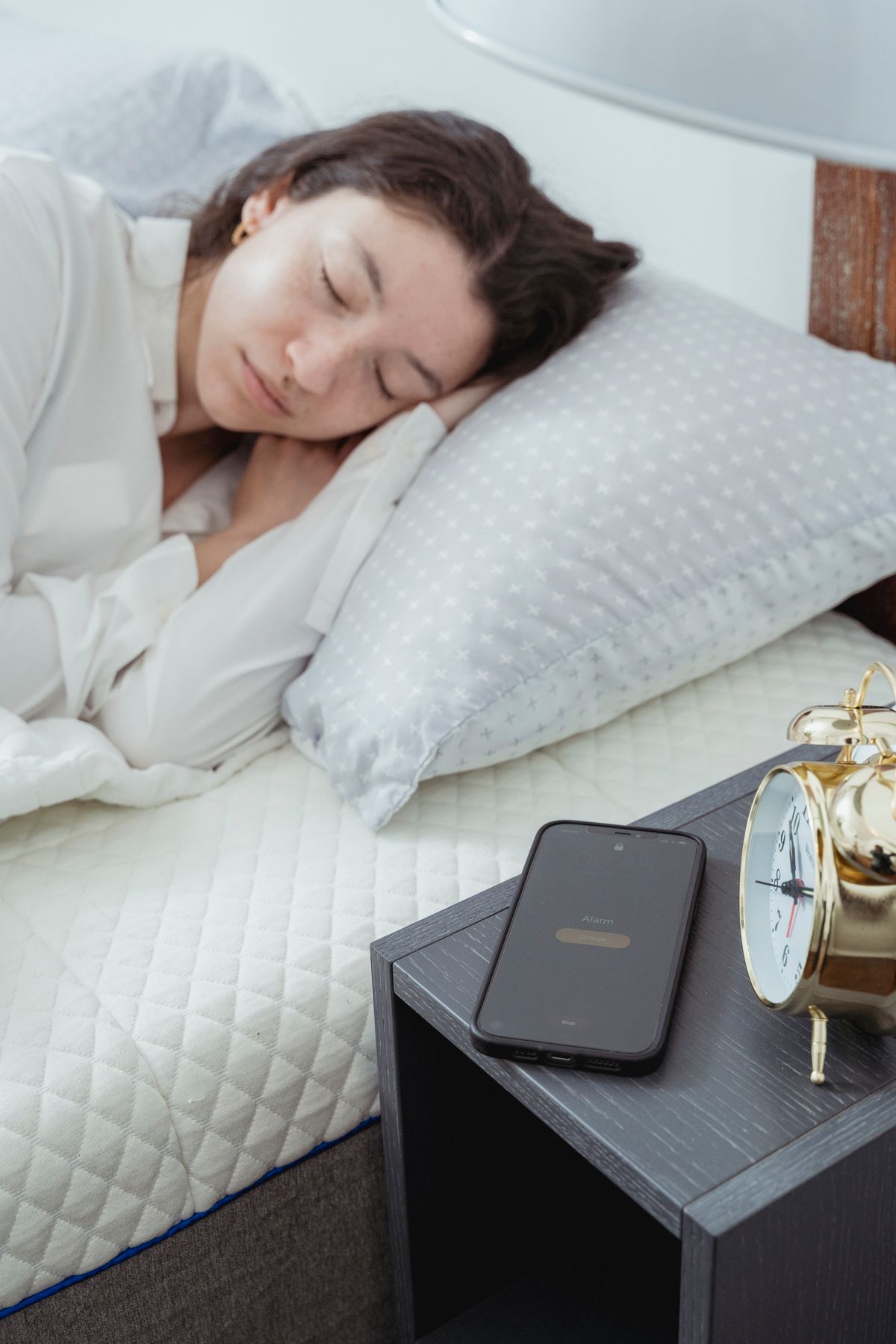
A woman sleeps peacefully while her phone sits on the bedside table.
A steady hiss can turn a noisy street into a quiet room, and that is why white noise apps have become a bedtime staple for millions of people.
The best free white noise apps for Android and iPhone in 2026 do more than play one loop, because they mix sounds, fade out gently, and work offline.
Quick Picks
Best overall free app: White Noise Lite, because it packs more than 50 sounds, mixing, and alarms into a genuinely free download.
Best for sound tweakers: myNoise, because its sliders let you shape every frequency instead of settling for a fixed recording.
Best built-in option: Apple Background Sounds, because iPhone owners already have it and it costs nothing extra.
1. White Noise Lite
White Noise Lite by TMSOFT is the classic free white noise app, and it has been updated steadily since its first release for the original iPhone in 2008.
Its catalog holds more than 50 perfectly looped sounds, including white, brown, pink, blue, and violet noise, plus rain, fans, ocean waves, and a hair dryer.
The Mix Pad lets you blend several sounds and adjust each one for volume, balance, and pitch, so you can build a soundscape that matches your room.
Platforms: Android and iPhone, plus Mac and Windows. Free tier: free with ads, while the paid editions remove ads for a one-time payment.
2. myNoise
myNoise takes a different approach from most rivals, because it lets you tune a soundscape with up to ten sliders instead of playing one flat recording.
Each soundscape covers a different scene, from rain and ocean waves to a crackling fireplace, and every slider controls one band of frequencies.
That control matters if plain white noise sounds too harsh, because you can soften the high frequencies and keep only the deep, calming part.
Platforms: Android, iPhone, and the web. Free tier: free and ad-free in the browser, while the app needs a one-time unlock of $19.99.
3. Rain Rain Sleep Sounds
Rain Rain Sleep Sounds is the simplest pick on this list, and its name is honest, because rain is the star of its large free library.
It offers more than 50 free sounds, from heavy rain and thunderstorms to ocean waves, fans, brown noise, green noise, and even a ticking clock.
You can mix sounds, save favorites, and set a fade-out sleep timer without paying, which covers everything most sleepers actually need each night.
Platforms: Android and iPhone. Free tier: free with only a small banner ad, while Premium adds 60-plus sounds from $3.99 a month.
4. Atmosphere: Relaxing Sounds
Atmosphere is built for people who like to layer sounds, because it lets you combine rain, thunder, wind, and nature tracks into one mix.
Its library holds more than 100 soothing sounds, organized into environments such as beach, countryside, park, city, and home, plus binaural beats.
Each sound gets its own volume slider, so a gentle stream can sit quietly under louder rain without either track drowning out the other one.
Platforms: Android and iPhone. Free tier: free with ads and no paywall on sounds, while ad-free playback costs $4.99 once on iOS.
5. BetterSleep
BetterSleep, formerly known as Relax Melodies, is the most feature-packed app here, pairing sleep sounds with tracking, stories, and meditations.
Its mixer combines up to 15 sounds, music, and brainwave tones, and the sleep recorder can pick up snoring, movement, and sleep talking overnight.
That depth comes with a warning, because recent reviews say content that used to be free is now locked behind a subscription after a trial.
Platforms: Android, iPhone, and the web. Free tier: a free trial first, then a subscription, so try it before assuming any sound stays free.
6. Calm
Calm is not a pure white noise app, but it earns a place here because its sleep soundscapes, stories, and meditations suit restless minds.
Its library includes Sleep Stories narrated by well-known voices, plus rain, ocean waves, white noise, and original sleep music for winding down.
Calm Noise, its newer soundscape, blends white, pink, brown, and green noise into one hybrid track designed to promote relaxation and better sleep.
Platforms: Android, iPhone, and the web. Free tier: limited free meditations and sleep sessions, while Premium costs around $69.99 a year.
7. Apple Background Sounds
Apple Background Sounds is not an app you download, because it is built into iOS, iPadOS, and macOS as an accessibility feature for everyone.
It plays white noise, rain, ocean, stream, and other steady sounds, and it keeps playing while you use other apps or lock your phone.
Newer iOS versions add a timer and an equalizer, so you can stop the sound after you fall asleep and tune it to your hearing.
Platforms: iPhone, iPad, and Mac only. Free tier: completely free with no ads, no account, and no subscription of any kind.
White Noise Apps Compared
| App | Platforms | Free Tier | Mixing | Sleep Timer |
|---|---|---|---|---|
| White Noise Lite | Android, iPhone | Free with ads | Yes | Yes, fades out |
| myNoise | Android, iPhone, web | Free on web | Yes, 10 sliders | Yes on web |
| Rain Rain | Android, iPhone | Free, banner ad | Yes | Yes, fades out |
| Atmosphere | Android, iPhone | Free with ads | Yes | Yes |
| BetterSleep | Android, iPhone | Trial, then paid | Yes, up to 15 | Yes |
| Calm | Android, iPhone, web | Limited free | No mixer | Yes |
| Apple Background Sounds | iPhone, iPad, Mac | Free, built in | No | Yes, newer iOS |
How to Choose the Right White Noise App
Start with the sound itself, because the best app is useless if its white noise feels harsh, thin, or tiring after ten minutes in bed.
Try white, pink, and brown noise for a few nights each, since brown noise sounds deeper and softer, while pink noise resembles steady rainfall.
Check the free tier before you commit, because some apps lock their best sounds behind a trial that quietly turns into a paid subscription.
Look for a fade-out timer and offline playback, because both features stop the sound from draining your battery or waking you at 3 a.m.
Keep the volume low enough to hear a smoke alarm, because masking noise should soften distractions, not block sounds that keep you safe.
Frequently Asked Questions
Are white noise apps really free?
Many are free to download and use, but most show ads or lock extra sounds behind a purchase, so always check what stays free first.
Is white noise safe to play all night?
Experts generally consider it safe at low volume, but keep it quiet, use a timer, and give your ears a break on some nights.
Which noise color is best for sleep?
There is no single winner, because white noise masks the widest range, pink noise sounds softer, and brown noise feels deeper and warmer.
Can I use a white noise app offline?
Most apps on this list play downloaded or built-in sounds offline, but streaming-only tracks and stories still need an internet connection.
Do I need an app on iPhone?
No, because Apple Background Sounds is already built into iOS, so you can play white noise without installing anything at all.
If you want one app and nothing else, start with White Noise Lite on either platform, then switch to myNoise when you crave finer control.