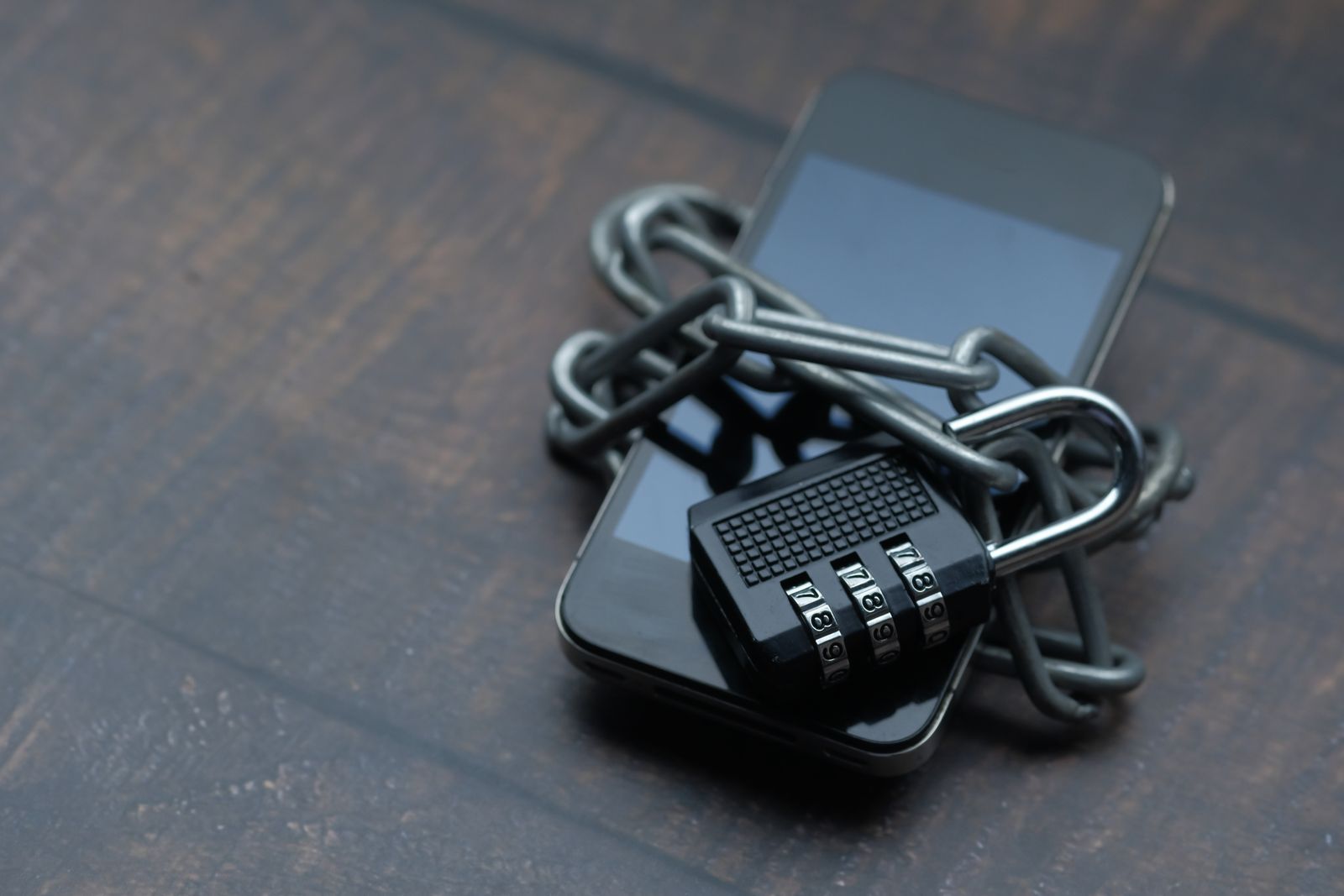
A smartphone locked with a chain and padlock, a simple picture of what end-to-end encryption does for your messages.
End-to-end encryption is the lock icon you may have noticed in WhatsApp, Signal, or Apple Messages, and it protects your chats in a powerful way.
This guide explains what the term means in plain English, how the technology works, and which popular apps actually use it today.
Key Highlights of End-to-End Encryption
Here are the six key points to remember about end-to-end encryption before we look at the details.
Only you and the recipient can read the message. Your chat is scrambled on your phone and unscrambled only on the other person's device.
The app company cannot read your chats. Even WhatsApp or Signal cannot open the content, because the keys stay on your devices alone.
It uses public and private keys. Each device holds a private key that never leaves it, while a public key is shared to lock messages.
Keys change with every message. Modern systems create a fresh key for each message, so one stolen key cannot unlock your chat history.
It does not hide metadata. The app can still see who you messaged and when, even though it cannot read what you wrote.
Backups need a separate switch. Cloud backups are often unprotected by default, so turn on encrypted backup in your app settings today.
What End-to-End Encryption Means
End-to-end encryption, often shortened to E2EE, means a message is scrambled on the sender's device and can only be unscrambled on the recipient's device.
Nobody in the middle can read it, not your internet provider, not the app company, and not a hacker who intercepts the traffic.
Think of it like a sealed box that only you and your friend can open, while the courier who carries it has no key at all.
Signal describes the idea simply on its own website, saying it cannot read your messages or listen to your calls, and no one else can either.
How End-to-End Encryption Works
Every user gets a pair of mathematical keys, one public and one private, and the public key can be shared openly without any risk.
When you send a message, your app locks it with the recipient's public key, and only their private key can unlock it again.
The private key never leaves its owner's device, so even the company running the service cannot decrypt the message for itself.
Most modern apps use the Signal Protocol, which was developed by Open Whisper Systems and now powers WhatsApp, Signal, and Messenger encryption.
The protocol's Double Ratchet system creates a brand-new key for every single message, which gives chats forward secrecy against later attacks.
Forward secrecy means that even if one key is stolen, it cannot unlock messages sent before or after that single message.
Newer versions of the protocol also add post-quantum protection, which guards today's messages against future quantum computers that could break older keys.
End-to-End Encryption vs Regular Encryption
Regular encryption, such as the TLS used on websites, protects data only while it travels between your device and the company's server.
The server then decrypts the message and can read it, which means the company itself always holds the keys to your data.
End-to-end encryption removes that middle step, because the server only passes scrambled data along and never holds a working key.
| End-to-End Encryption | Regular Encryption (TLS) | |
|---|---|---|
| Who can read it | Only the sender and recipient | The company server can read it too |
| Keys held by | Only the devices at both ends | The company holds the keys |
| Used by | WhatsApp, Signal, iMessage | Websites, email, cloud chats |
| Main weakness | Metadata and backups stay exposed | The server is a single point of trust |
Which Apps Use End-to-End Encryption
WhatsApp turns on end-to-end encryption by default for personal chats, group chats, calls, photos, videos, voice messages, and status updates.
It uses the Signal Protocol, so neither WhatsApp nor its parent company Meta can read the content of your personal chats.
Signal encrypts every message, call, and group chat by default, and it is the reference app built around the protocol itself.
Apple Messages, known as iMessage, is end-to-end encrypted between Apple devices, and Apple added post-quantum PQ3 protection in iOS 17.4.
Telegram is the big exception, because its ordinary cloud chats are not end-to-end encrypted and only opt-in Secret Chats use that protection.
Secret Chats work only between two devices and do not sync, while group chats and channels on Telegram can never be end-to-end encrypted.
Plain SMS text messages are not encrypted at all, so anyone on the network path can read them, and you should avoid them for private talks.
Google Messages offers end-to-end encryption for RCS chats when both sides use it, but the protection depends on the app and carrier involved.
What End-to-End Encryption Does Not Protect
Encryption guards the content of your messages, but it does not hide metadata such as who you talked to, when, and how often.
WhatsApp and other apps can still see that metadata, and it can reveal a surprising amount about your habits and your contacts.
Cloud backups are the most common gap, because a WhatsApp backup to Google Drive or iCloud is only end-to-end encrypted if you switch it on.
Apple users face the same trade-off, since iCloud Backup holds a copy of the Messages key unless Advanced Data Protection is turned on.
Encryption also cannot help if the phone itself is unlocked, infected with malware, or handed to someone who can read the screen.
If someone tricks you into sharing a code or a password, encryption will not stop them either, because the attack targets you instead.
How to Check Your Chats Are Really Encrypted
Open a chat in WhatsApp, tap the contact name, then choose Encryption to see the security code and QR code for that conversation.
Compare the 60-digit code with your contact in person or through another channel, and both sides should see the same numbers.
If the code changes, one of you reinstalled the app or switched phones, so confirm the new code before you share anything sensitive.
In WhatsApp, open Settings, then Chats, then Chat Backup, and turn on end-to-end encrypted backup to protect your history in the cloud.
On an iPhone, open Settings, tap your name, choose iCloud, and turn on Advanced Data Protection to encrypt your iCloud Backup fully.
Turn on disappearing messages for sensitive chats, and use a strong screen lock so a lost phone does not expose your conversations.
Frequently Asked Questions
Is WhatsApp end-to-end encrypted?
Yes, personal chats, group chats, calls, and media are end-to-end encrypted by default on WhatsApp.
The exception is chats with some businesses that use Meta services, plus payments, which are not covered by the same protection.
Cloud backups also need a separate setting, so turn on end-to-end encrypted backup to keep your chat history protected.
Is end-to-end encryption really safe?
It is one of the strongest protections available for messages, and security agencies recommend it.
No system is perfect, though, because metadata, cloud backups, malware, and stolen phones can still expose your private conversations.
Can the police read end-to-end encrypted messages?
No, the app company has no key to hand over, so it cannot decrypt the messages for anyone.
That does not make a phone untouchable, because officers with lawful access to an unlocked device can still read what is on it.
Does end-to-end encryption work for group chats?
Yes, WhatsApp, Signal, and iMessage encrypt group chats, with a shared key for every member.
Telegram is different again, because its group chats and channels can never be end-to-end encrypted under any setting.
How can I tell if my chat is end-to-end encrypted?
Look for a lock icon or an encryption notice inside the chat, which most apps now show.
You can also open the contact details and compare the security code, which confirms that no one sits between you and your contact.
End-to-end encryption is a simple idea with a big effect, and it now protects the everyday chats of billions of people without most of them noticing it.
Check your backup settings today, verify the security code on your most important chats, and choose apps that encrypt by default.