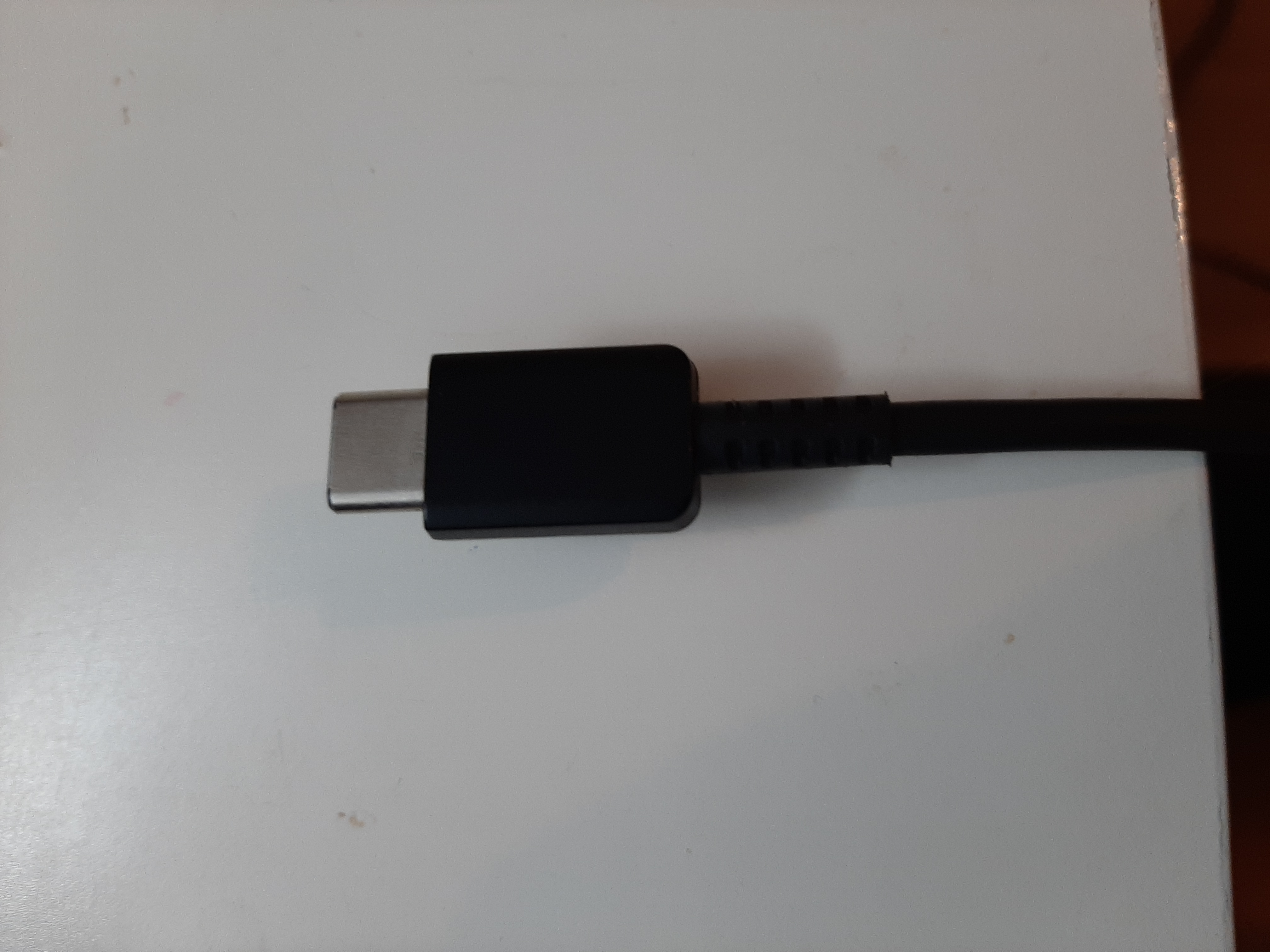
A USB-C cable plug, the same connector Thunderbolt 5 uses for 80 Gbps data, displays, and up to 240W charging. Image: Flanoz / Wikimedia Commons, CC0.
Thunderbolt 5 is Intel's newest high-speed connection standard for the familiar USB-C port on laptops and desktops.
Intel announced it on 12 September 2023, and the first computers and accessories arrived in 2024, so this guide explains what it does and whether you need it.
Key Highlights of Thunderbolt 5
80 Gbps in both directions. Thunderbolt 5 doubles Thunderbolt 4 with 80 gigabits per second of bidirectional bandwidth on every certified port.
Up to 120 Gbps for displays. Bandwidth Boost shifts the link to 120 gigabits per second toward displays for video-heavy work.
Twice the PCIe bandwidth. External storage and graphics get 64 gigabits per second over PCIe Gen 4, up from 32 on Thunderbolt 4.
Up to 240W charging. A single cable can charge even large laptops, with at least 140W required on every certified host port.
Sharper multi-display support. DisplayPort 2.1 drives up to three 4K displays at 144Hz or two 8K displays at 60Hz.
Fully backward compatible. Thunderbolt 5 ports work with Thunderbolt 4, Thunderbolt 3, and USB4 devices at their own slower speeds.
What Is Thunderbolt 5
Thunderbolt 5 is Intel's certified connectivity standard, built on the USB4 Version 2.0 specification and the same reversible USB-C connector.
Every certified port, device, and cable must meet the full specification, so the Thunderbolt 5 logo guarantees 80 Gbps with no slower tier.
That guarantee is the key difference from plain USB4, where makers can choose which speeds and features to include in each product.
Intel first previewed the technology in October 2022, formally announced it in September 2023, and shipped its Barlow Ridge controller in products from 2024.
Thunderbolt 5 turns one USB-C cable into a dock, a display link, and a charger.
Speed and Bandwidth
The headline number is 80 gigabits per second in both directions at once, exactly double the 40 gigabits per second of Thunderbolt 4.
Intel reaches that speed with PAM-3 signaling, which sends three voltage levels per cycle instead of two and packs more data into each clock tick.
Bandwidth Boost is a separate display mode, not a constant speed, and it rebalances the link to 120 gigabits per second toward the displays.
In that mode the return direction drops to 40 gigabits per second, so storage and other traffic share a narrower path while displays take priority.
For storage and external graphics, the bigger change is PCIe bandwidth, which doubles from 32 gigabits per second on Thunderbolt 4 to 64 on Thunderbolt 5.
Real transfer speeds still depend on the drive inside the enclosure, so a slow SSD will not magically run faster on a Thunderbolt 5 port.
Thunderbolt 5 vs Thunderbolt 4
| Specification | Thunderbolt 4 | Thunderbolt 5 |
|---|---|---|
| Bidirectional bandwidth | 40 Gbps | 80 Gbps |
| Bandwidth Boost | Not supported | Up to 120 Gbps toward displays |
| PCIe bandwidth | 32 Gbps (PCIe Gen 3) | 64 Gbps (PCIe Gen 4) |
| DisplayPort version | DisplayPort 1.4 | DisplayPort 2.1 |
| Display support | Two 4K displays at 60Hz | Three 4K at 144Hz or two 8K at 60Hz |
| Charging (required minimum) | Up to 100W | At least 140W |
| Charging (maximum) | Up to 140W | Up to 240W |
| Certification | Mandatory Intel certification | Mandatory Intel certification |
| Connector | USB-C | USB-C |
Thunderbolt 4 was a refinement of Thunderbolt 3 at the same 40 gigabits per second, while Thunderbolt 5 is a genuine generational jump in speed.
The table above shows the gap clearly, but the practical difference is headroom: Thunderbolt 5 keeps fast storage, displays, and networking from fighting over one link.
USB4 Version 2.0 can match Thunderbolt 5 on paper with its optional 80-gigabit tier, yet a port labelled only USB4 may run at just 20 gigabits per second.
That is why the logo matters: Thunderbolt 5 certification means Intel tested the port, device, or cable against the full specification before it shipped.
Displays and Charging
Thunderbolt 5 supports DisplayPort 2.1, the newer display standard that replaces DisplayPort 1.4 on Thunderbolt 4 and unlocks far more pixels per cable.
Intel rates a Thunderbolt 5 connection for up to three 4K displays at 144Hz, two 8K displays at 60Hz with compression, or a single display at up to 540Hz.
Real display counts still depend on the laptop, since Apple limits external displays per port on its MacBook Pro models regardless of what the dock can handle.
Charging uses USB Power Delivery 3.1 Extended Power Range, and every certified host port must supply at least 140W to the connected laptop.
With a compatible cable and dock, charging can reach 240W, enough to power gaming laptops and mobile workstations through the same single cable.
Most Thunderbolt 5 docks on sale in 2026 deliver 140W, which covers nearly every professional laptop, while a few flagship docks push the full 240W.
Cables and Compatibility
Thunderbolt 5 uses the same USB-C connector as Thunderbolt 4, Thunderbolt 3, and USB4, so no new plug shape is needed and old cables still fit.
Fitting is not the same as full speed, though, because a Thunderbolt 4 cable on a Thunderbolt 5 port tops out at 40 gigabits per second.
Passive Thunderbolt 5 cables deliver the full 80 gigabits per second only up to about 1 metre, or 3.3 feet, and longer runs need active cables with built-in signal amplification.
Look for the Thunderbolt 5 logo, a lightning bolt with the number 5, plus a stated 80 Gbps rating and 240W charging support before buying any cable.
Thunderbolt 5 ports are fully backward compatible, so Thunderbolt 4, Thunderbolt 3, and USB4 devices all work, simply running at their own slower speeds.
The reverse is also true: a Thunderbolt 5 dock or drive on a Thunderbolt 4 laptop falls back to Thunderbolt 4 speeds, and Bandwidth Boost stays switched off.
Devices Available in 2026
Apple leads the Thunderbolt 5 installed base, with three Thunderbolt 5 ports on MacBook Pro models using the M4 Pro, M4 Max, M5 Pro, and M5 Max chips.
The base M4 and M5 MacBook Pro models keep Thunderbolt 4 only, and the Mac mini with M4 Pro also carries three Thunderbolt 5 ports.
On Windows, Thunderbolt 5 arrives through Intel's separate Barlow Ridge controller chip, so it appears mainly on premium gaming laptops and mobile workstations.
Models named in 2026 roundups include the MSI Titan, Raider, and Vector lines, the Asus ROG Strix Scar 18, the Razer Blade 18, and the Alienware Area-51.
Docks are the most mature Thunderbolt 5 category, with more than fifteen certified models shipping in 2026, led by the Plugable TBT-UDT3, CalDigit TS5 series, and Ugreen Revodok Maxidok line.
External Thunderbolt 5 SSDs such as the OWC Envoy Ultra are on sale but still rare, eGPU enclosures are only just emerging, and native Thunderbolt 5 monitors are virtually nonexistent.
Widespread adoption is still ahead, because no Intel processor has Thunderbolt 5 built into the chip yet, and analysts expect the standard to spread more widely around 2027.
Who Should Upgrade
Thunderbolt 5 earns its price for video editors, 3D artists, and photographers who move huge files daily or drive several high-resolution, high-refresh displays from one laptop.
It also suits owners of very fast external SSDs, since only Thunderbolt 5 gives those drives the PCIe headroom to stretch past Thunderbolt 4 speeds.
Most people should wait, because Thunderbolt 4 and 40-gigabit USB4 already handle office work, web browsing, single 4K displays, and ordinary external drives with ease.
If your next laptop already includes Thunderbolt 5, treat it as free future-proofing, but do not replace a working Thunderbolt 4 setup just to chase the bigger number.
When you do buy, match the whole chain: a Thunderbolt 5 laptop, a Thunderbolt 5 cable, and a Thunderbolt 5 dock or drive, or the slowest part sets the pace.
Frequently Asked Questions
What is Thunderbolt 5? Thunderbolt 5 is Intel's certified high-speed connection standard for the USB-C port, built on USB4 Version 2.0.
It guarantees 80 gigabits per second in both directions, supports up to 120 gigabits per second for displays, and charges laptops at up to 240W.
How fast is Thunderbolt 5 compared with Thunderbolt 4? Thunderbolt 5 runs at 80 gigabits per second in both directions, double the 40 of Thunderbolt 4.
Its Bandwidth Boost mode can also reach 120 gigabits per second toward displays, while Thunderbolt 4 has no equivalent boost mode at all.
Is Thunderbolt 5 backward compatible with Thunderbolt 4 and USB-C? Yes, Thunderbolt 5 ports work with Thunderbolt 4, Thunderbolt 3, and USB4 devices.
Older devices simply run at their own slower speeds, and a Thunderbolt 5 device on a Thunderbolt 4 laptop falls back to 40 gigabits per second.
Do I need a special cable for Thunderbolt 5? Yes, you need a certified Thunderbolt 5 cable to reach the full 80 gigabits per second.
Passive cables keep full speed only up to about 1 metre, so longer runs need active cables, and every cable should carry the Thunderbolt 5 logo.
What devices have Thunderbolt 5 in 2026? Apple MacBook Pro models with M4 Pro, M4 Max, M5 Pro, or M5 Max chips lead the list.
Premium Windows gaming laptops and workstations from MSI, Asus, Razer, and Alienware also offer it, alongside a growing range of certified docks and SSDs.
Can Thunderbolt 5 charge my laptop? Yes, every certified Thunderbolt 5 host port must supply at least 140W of charging power.
With a compatible cable and dock, charging can reach 240W, which is enough for large laptops and mobile workstations through one cable.
Should I upgrade to Thunderbolt 5 now? Upgrade if you edit video, move huge files daily, or drive several high-resolution displays from one laptop.
Otherwise Thunderbolt 4 is still fast enough, so wait until your next laptop includes Thunderbolt 5 as standard and buy the right cable then.
Thunderbolt 5 is the biggest leap in laptop connectivity since Thunderbolt 3, doubling everyday bandwidth and tripling display headroom on a single familiar cable.
It is still early-adopter hardware in 2026, concentrated in premium laptops and docks, but the standard is now real, shipping, and ready for demanding desks.